> Importing the JS Library or API > JS in PlayCanvas
Adding the Library to PlayCanvas
Please Note: Due to the constant changes being made to the JS Library, this section is currently a work in progress. Please check back regularly for updates.
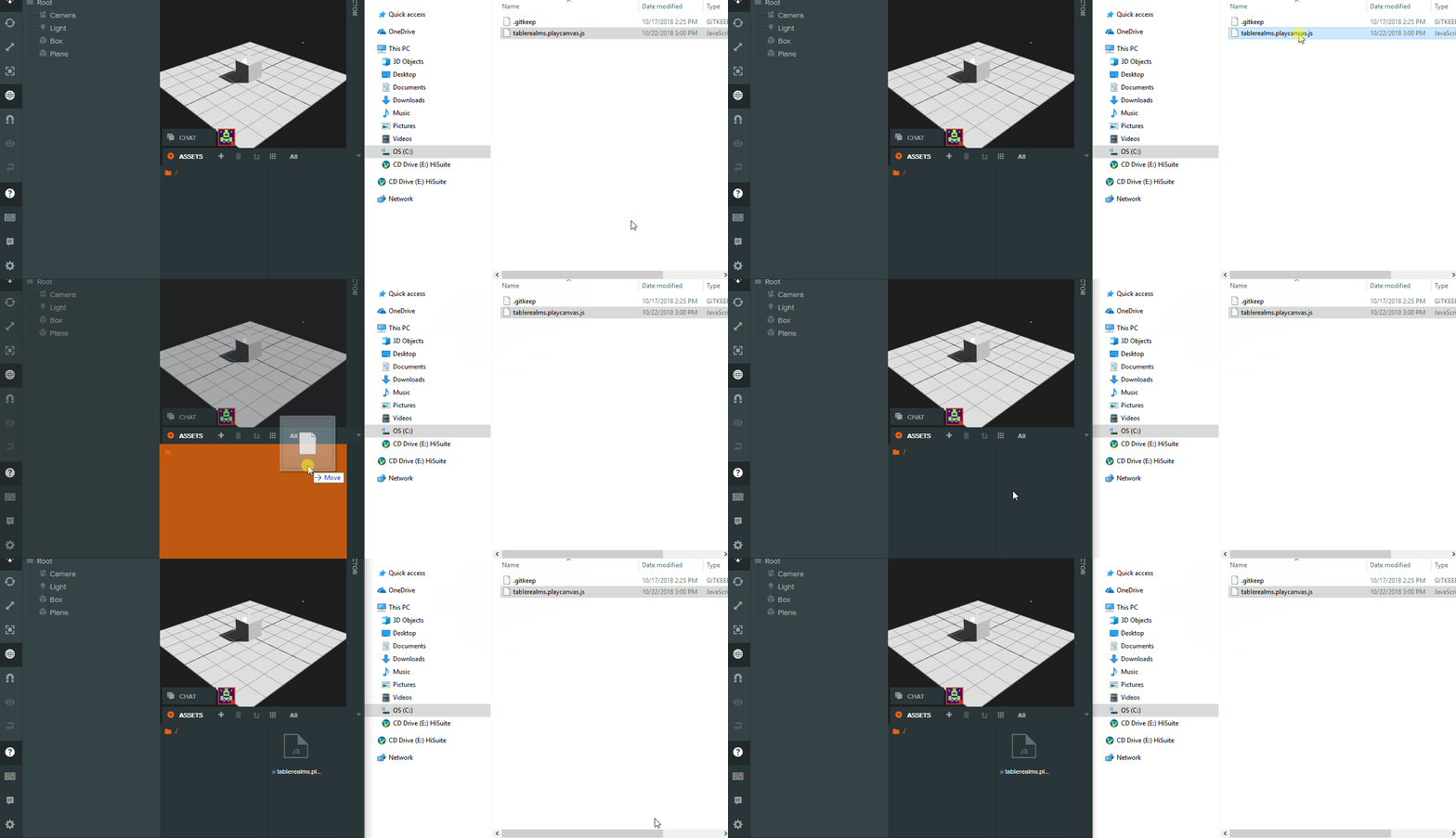
- Download the Table Realms library for PlayCanvas from the dedicated repository.
- Add it as a script to your PC workspace.
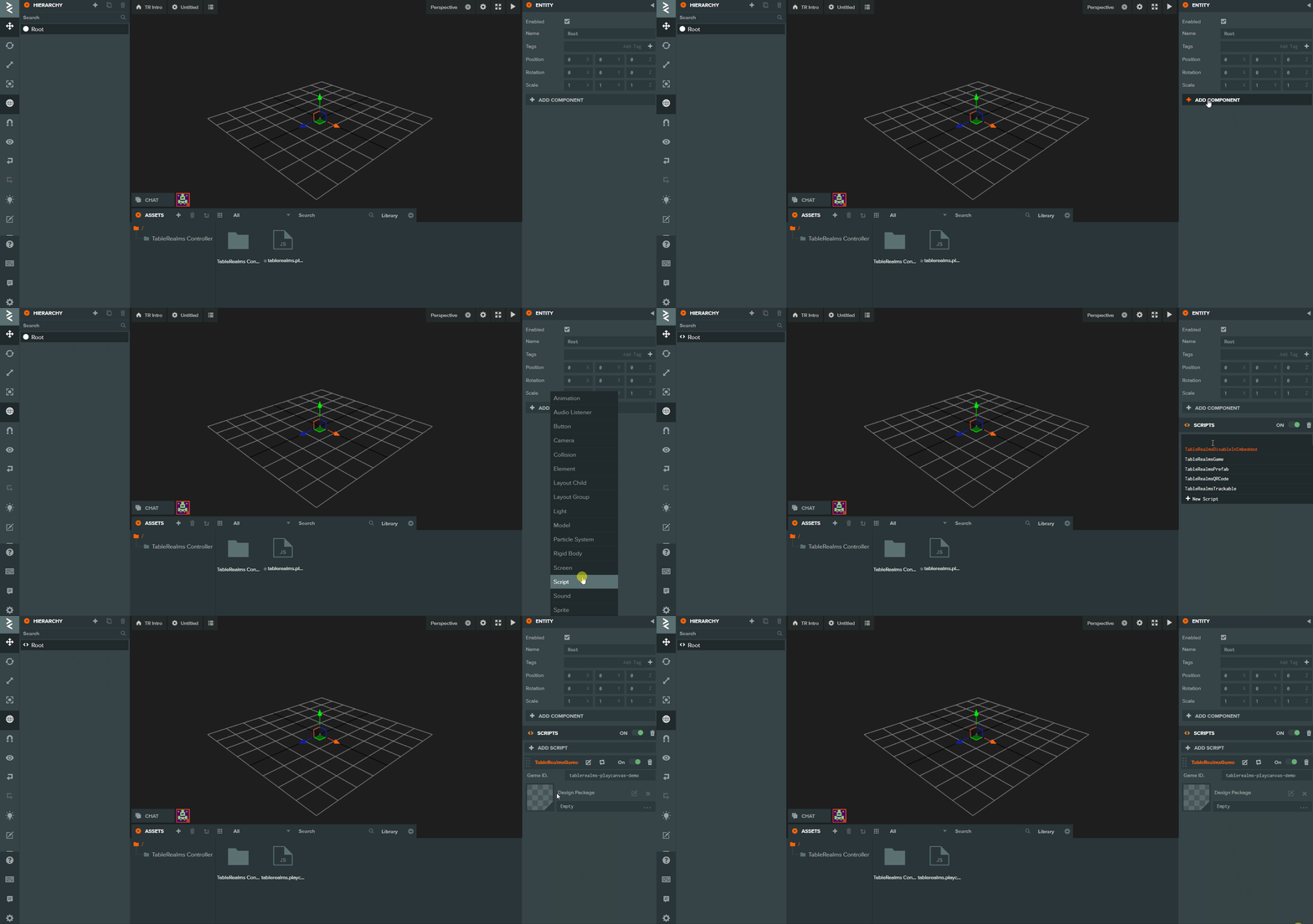
- Attach the script to the project root folder.
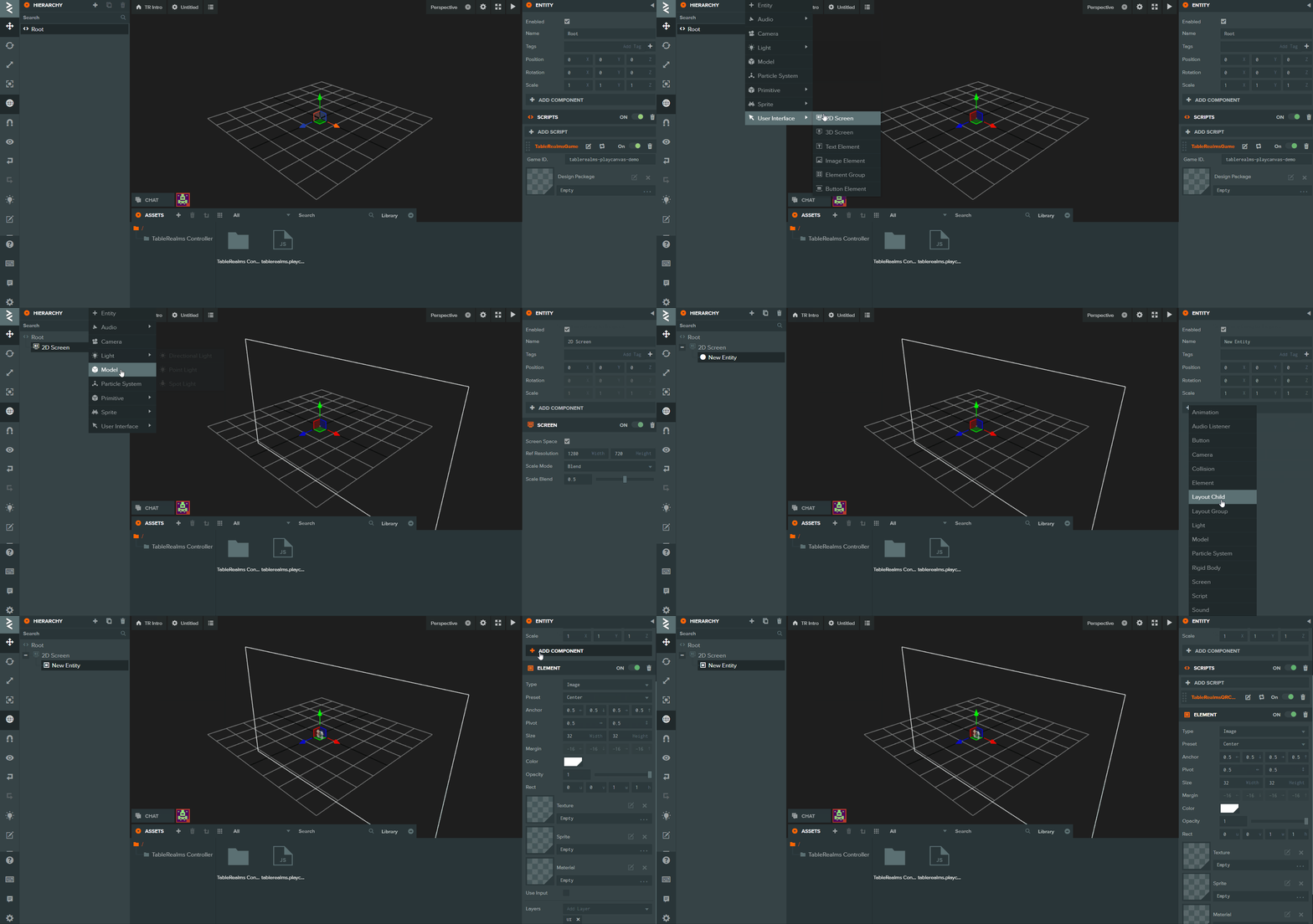
- Create an Image Entity where you expect your QR code to appear. Make sure you resize the X and Y to around 300px each, or the code will not be visible!
Now run your game. You should see a QR code magically appear! Congratulations, you’re connected to the Table Realms network.
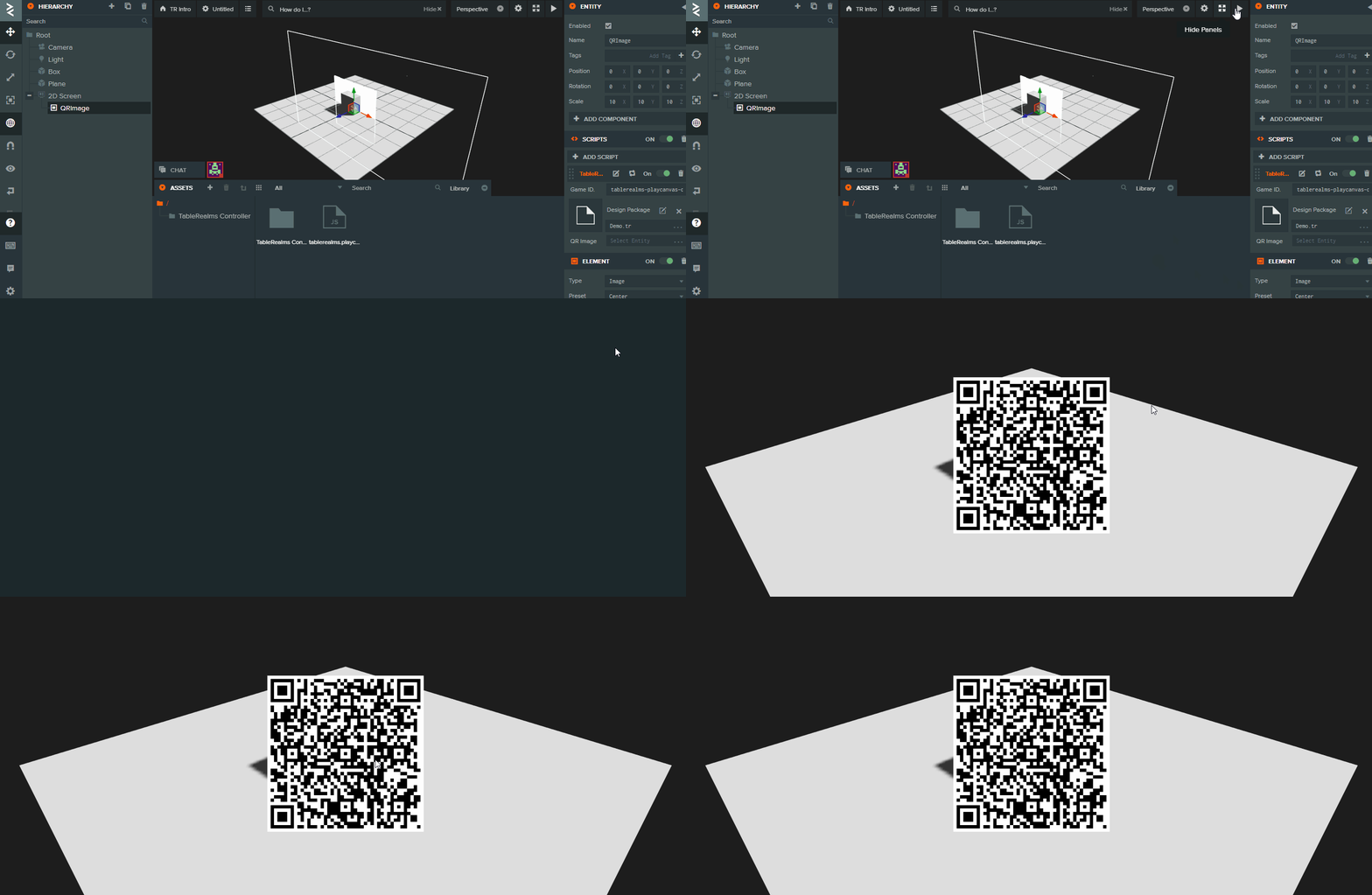
NOTE: If you do not see a QR code, please change the protocol in PlayCanvas from HTTPS:// to HTTP://
In order to remove the QR code once all players have joined and started the session, place the following block of code in your Game.js file.
this.app.on('TR:new_player', function(newPlayer){

     newPlayer.onChange('Button.START.Pressed', function() {

         self.app.root.findByName('QR Image').enabled = false;

     }

}